Exporting Azure NSG to Excel .CSV
I have recently been studying Azure networking and came across a need to have my NSGs in Excel CSV format. This is how I did it.
Pull up Azure cloud shell. You may first need to specify the subscription.
Set-AzContext -SubscriptionName "<Subscriptionname>"Of course, replace RGname, NSGname and filename with your own values.
$nsg = Get-AzNetworkSecurityGroup `
-ResourceGroupName "<RGname>" `
-Name "<NSGname>"
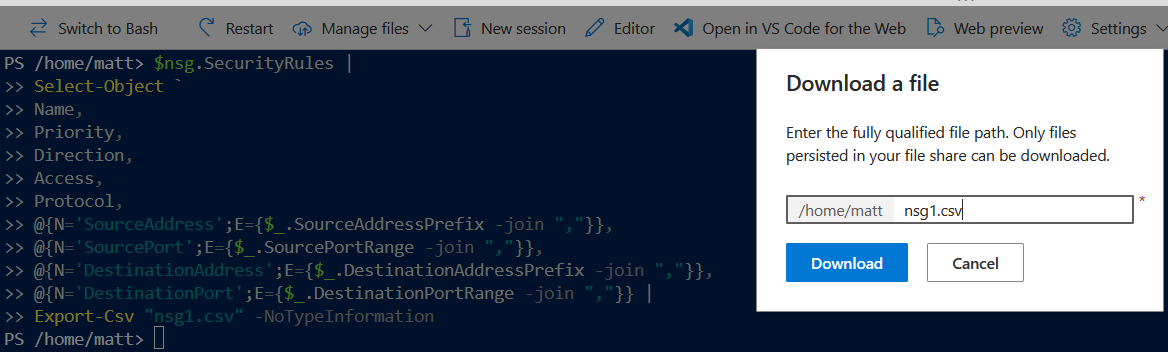
$nsg.SecurityRules |
Select-Object `
Name,
Priority,
Direction,
Access,
Protocol,
@{N='SourceAddress';E={$_.SourceAddressPrefix -join ","}},
@{N='SourcePort';E={$_.SourcePortRange -join ","}},
@{N='DestinationAddress';E={$_.DestinationAddressPrefix -join ","}},
@{N='DestinationPort';E={$_.DestinationPortRange -join ","}} |
Export-Csv "<filename>.csv" -NoTypeInformation
Then manage files > Download > enter your filename from the script